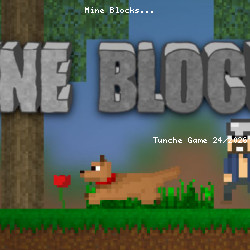
Mine Blocks Browser Game
Zanzlanz • 88.1K Plays • 528.3K Views • star 4.4 (9.5K)
All
Device
Landscape
Orientation
9.5K ratings
Rate This Game
gamepad How to Play Mine Blocks
Controls
- Move your character with the WASD keys. Sprint by double-tapping A or D
- Collect resources by clicking and holding on to nearby blocks or creatures. Use the right tools for the right job
- Place blocks by selecting a block in your Hotbar and right-clicking on an empty space in the world
- Open your inventory by pressing E. Here, you can craft items and equip armor
- Use an item or eat food by selecting the item in your Hotbar and right-clicking and holding. You can review and change your controls in the settings menu.
info About Mine Blocks
The experience adds variety to the modern ecosystem. As a play Action in browser title, the gameplay delivers mechanics that fans will truly appreciate.
Mine Blocks is optimized for desktop and mobile browsers. Mine Blocks provides a friendly and accessible gaming experience.
Play Mine Blocks anywhere, anytime. People who enjoy Mine Blocks often also turn to Silly Walkers and Madness Deathwish to keep playing.
Technology
play_circle Mine Blocks - Gameplay
Related Games
Warrior Bee Apocalypse
Bonanza Shooter: Bubble Blast
Escape or Die 4
Free Rally: Pripyat
Kogama War 4
Block Shoot Clicker
Samurai's Shadow

Kitty Clicker
MineTap Merge Clicker
Roombox Design
Shoot Your Nightmare: Space Isolation
Loot Box Hero
Cavern Clicker
Sbaloon
Magic Forest: Block Puzzle