Play Street Food Simulator Fast
Virtual Projects • 31.3K Plays • 281.3K Views • star 4.5 (8.3K)
All
Device
Landscape
Orientation
8.3K ratings
Rate This Game
gamepad How to Play Street Food Simulator
Controls
Desktop Controls
- Move = Use the arrow keys to navigate around the truck.
- Look Around = Move your mouse to rotate the camera and look around.
- Pick Up Items = Press the Spacebar to pick up boxes.
- Place Items = Press R to place food or tools on a counter or shelf.
- Throw Items = Press C to discard boxes or trash.
Mobile Controls
- Move = Use the joystick to navigate around the truck.
- Look Around = Drag on the right side of the screen to rotate the camera.
- Pick Up Items = Tap the screen while looking at a box to pick it up.
- Place Items = Tap the Place button (top right) to place food or tools on a counter or shelf.
- Throw Items = Tap the Throw button (top right) to discard boxes or trash.
info About Street Food Simulator
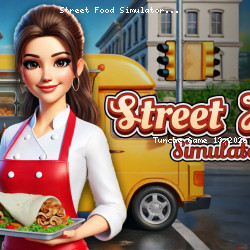
Street Food Simulator delivers fast and exciting gameplay as part of the Tunche free games experience. The gameplay encourages strategic thinking and quick reflexes.
If you are a fan of play Casual in browser, Street Food Simulator is definitely worth trying today. Play Street Food Simulator on TuncheGame and start conquering the game Those who enjoy the gameplay of Street Food Simulator may find something interesting in Forward Assault Remix and 8 Ball Pool.